
👉 Compatible with Divi 4 & 5 👈
The Table Maker demos below are all live examples running in Divi 5. View them at desktop, tablet and phone sizes to see Table Maker’s responsive options in action.
Table Basics
Tables can include any combination of table content, column headers, column footers, row headers, and row footers.
Table Configuration
Tables can have multiple column and row headers and footers. Column widths and row heights can be set using a combination of flexible and fixed units.
Table Scrolling
Tables can be set to scroll, with optional sticky column and row headers to keep headers pinned to the edge and visible at all times.
Sticky column headers
Sticky row headers
Table Responsive
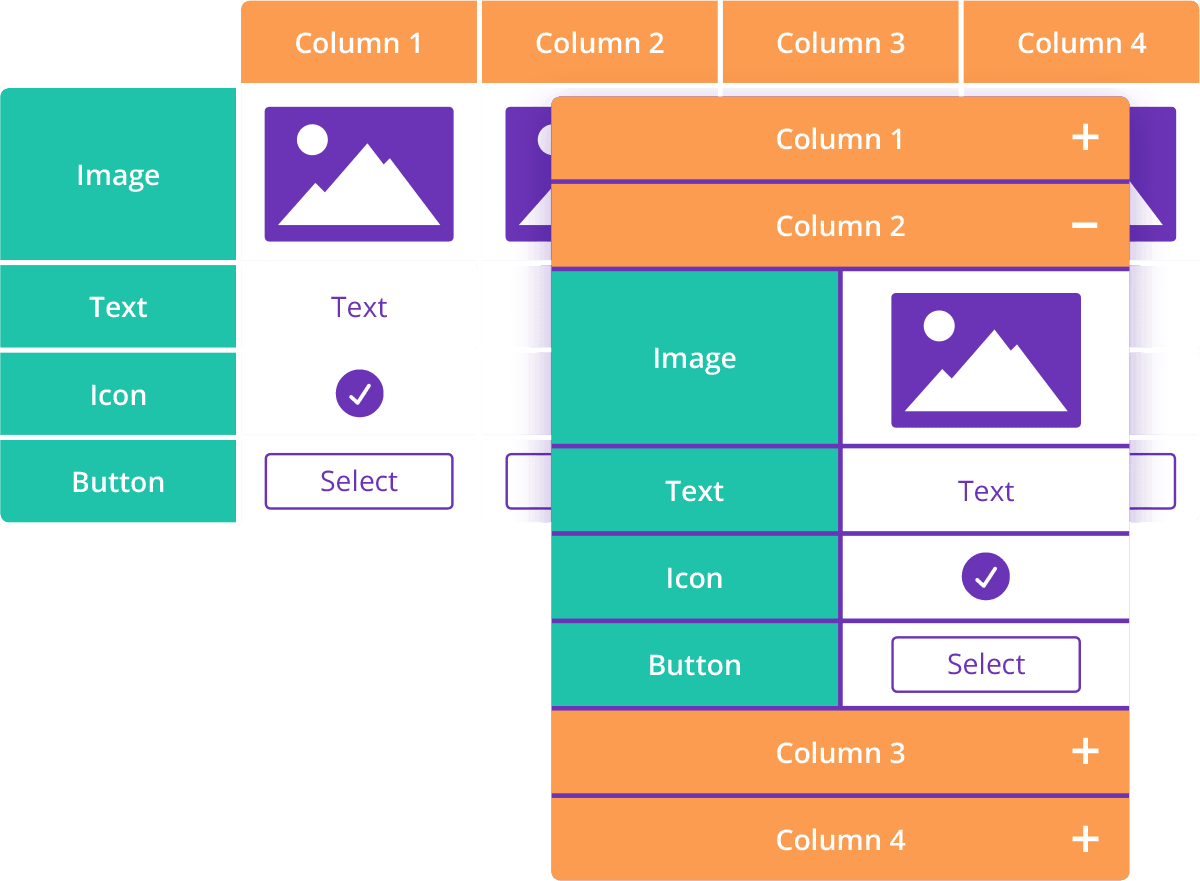
Tables can be set to display as blocks or accordion at tablet and phone size, with the option of breaking the table by columns or by rows. View the tables below at tablet or phone size to see the difference.
Accordion by columns
Accordion by rows
Blocks by columns
Blocks by rows
Table Spanning
Table cells can be set to span across multiple columns and rows. Even complex table configurations, like the one below, still work beautifully at tablet and phone size.
Testimonials
Some comments from our satisfied customers.
I work in insurance and use Table Maker for comparison tables. It adapts perfectly to mobile and lets me add almost any content.
I recently purchased the Table Maker, and it works great. I'm loving it! Very well done on this product.
Table Maker has turned making tables from a burden to a design pleasure!
Wow, thanks for your super comprehensive answer! That table looks fantastic. What a great plugin. Thanks so much for your help.
The plugin is such a lifesaver for user-friendly tables. Divi-Modules’ support is great – super quick and helpful!
I was struck by Table Maker’s well-thought-out design, ease of use, and quality. All are exemplary, as is the support from Divi-Modules. An excellent choice.
Yesterday I met Table Maker, and it works like a charm! I definitely recommend Table Maker. Try it because it’s worth it.
My go-to method for responsive tables on client sites. It works really well and I’ll be using it for many years to come.
Blown away by this extension. It does absolutely everything I required and I’ve already used it on two different client projects. Well done!
Super impressed. My first table was easy to make and came out great, even with my lack of design skills.
Table Maker is clearly a great product but the support is equally impressive. They went above and beyond to help solve my issue. Buy with confidence!
Supports directions for my custom tables were precise and on-point. This is the kind of support work legends are made of. You rock!
Table Content
Table content can include text, icons, buttons and images. For a complete list of available icons, please see here.
Table Frame
Tables can be framed with gaps or lines. Gaps put a space between each table cell, allowing backgrounds to show through. Lines frame each cell with a solid or decorative border.
Framed by gaps
Framed by lines
Table Stripes & Hover
Tables can include horizontal or vertical stripes and hover effect which can be a tint, blend, or pure color.
Table Colors
There are separate color options for table content, column headers, column footers, row headers, and row footers. Styles can be applied table-wide, per column, or individual cell.
Table Text
There are separate text options for table content, column headers, column footers, row headers, and row footers. Styles can be applied table-wide, per column, or individual cell.
Table Styles
Additional table cell styling options include horizontal and vertical text alignment, variable padding, borders, rounded corners, box shadows, customisable accordion toggles, and more.
Which one is right for you?
To find out more, please see the About page and Documentation.