
Step 1
Build your Hide & Show Preset in the dedicated Preset Editor using any of the 34 Display Logic Components. When you’re done, give your Preset a descriptive name and Save it.

Step 2
Apply your Hide & Show Preset to Divi elements throughout your website. The same Preset can be used to both Hide and Show elements, making swapping content in-and-out based on User Role, Schedule, Post Meta, or Site Language a breeze.

Step 3
Manage all your Presets under the dedicated Hide & Show Menu. Here you can add, edit, delete, enable and disable your existing Presets without needing to edit the elements that use them one-by-one.

Step 4
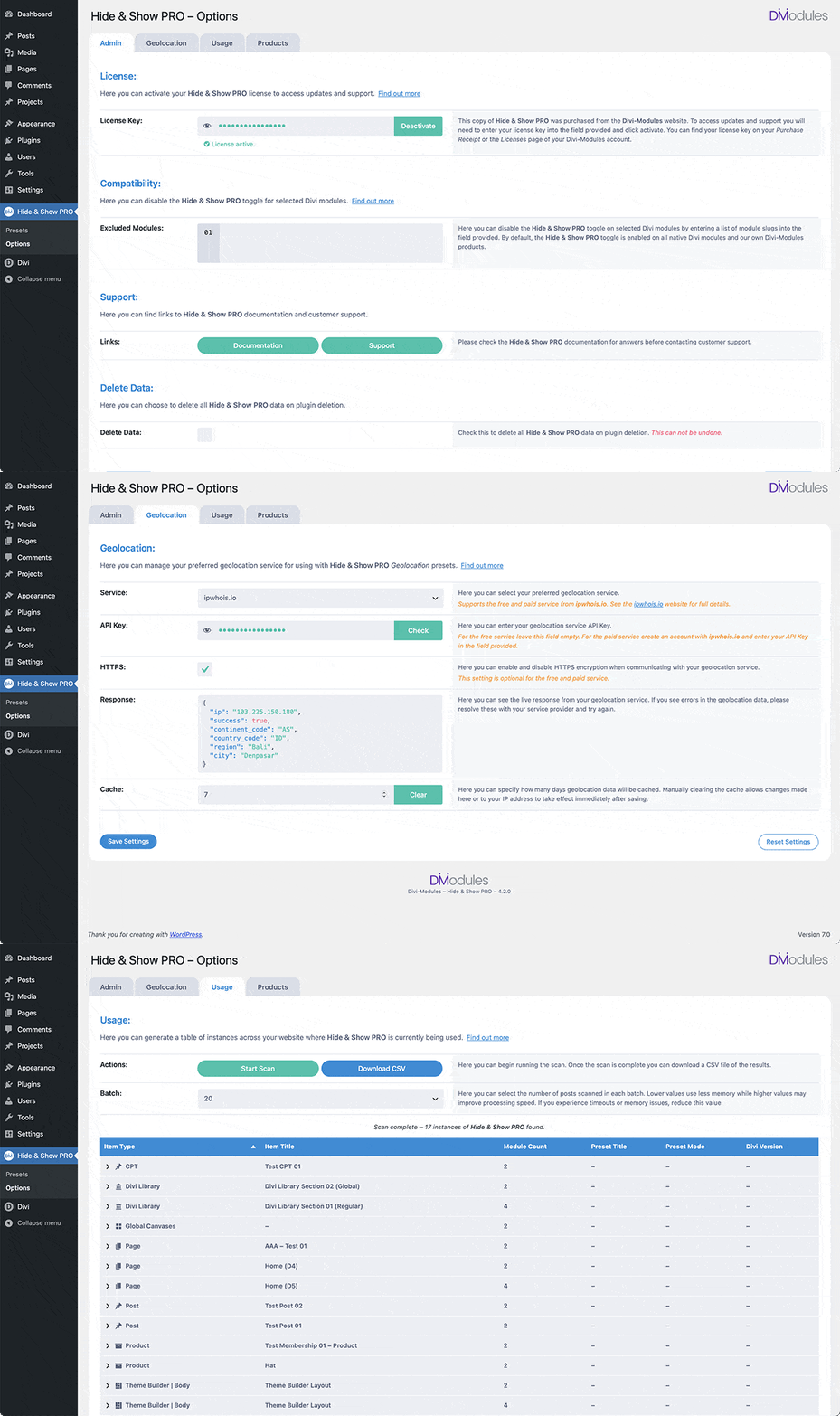
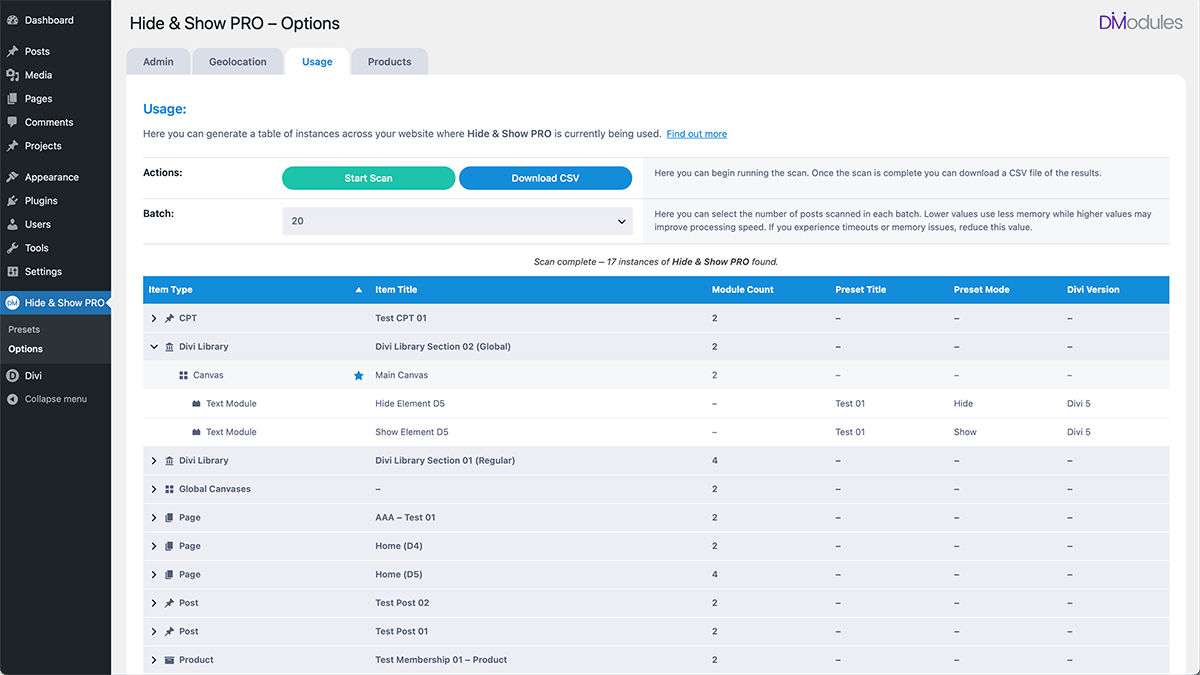
Manage your Hide & Show PRO usage under the dedicated Usage page. Here you can generate a table of instances across your website where Hide & Show PRO is currently being used.
Options
Hide & Show PRO supports all standard Divi Builder modules, WooCommerce modules, and our own Divi-Modules products. Under the Hide & Show Options Menu is where you can add support for additional third-party modules and manage your Geolocation service.