Quick Start
Step 1:
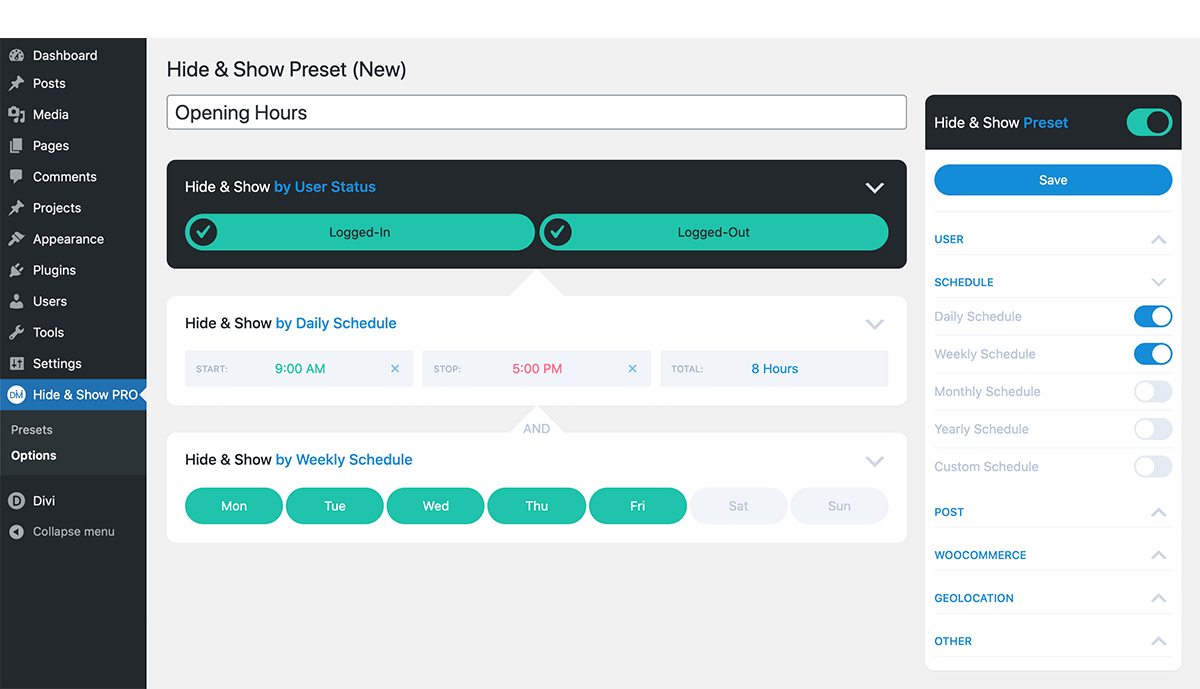
Build your Preset in the Hide & Show Preset page using any of the 34 display-logic Components. When you’re finished, give your Preset a descriptive name and save it.
Step 2:
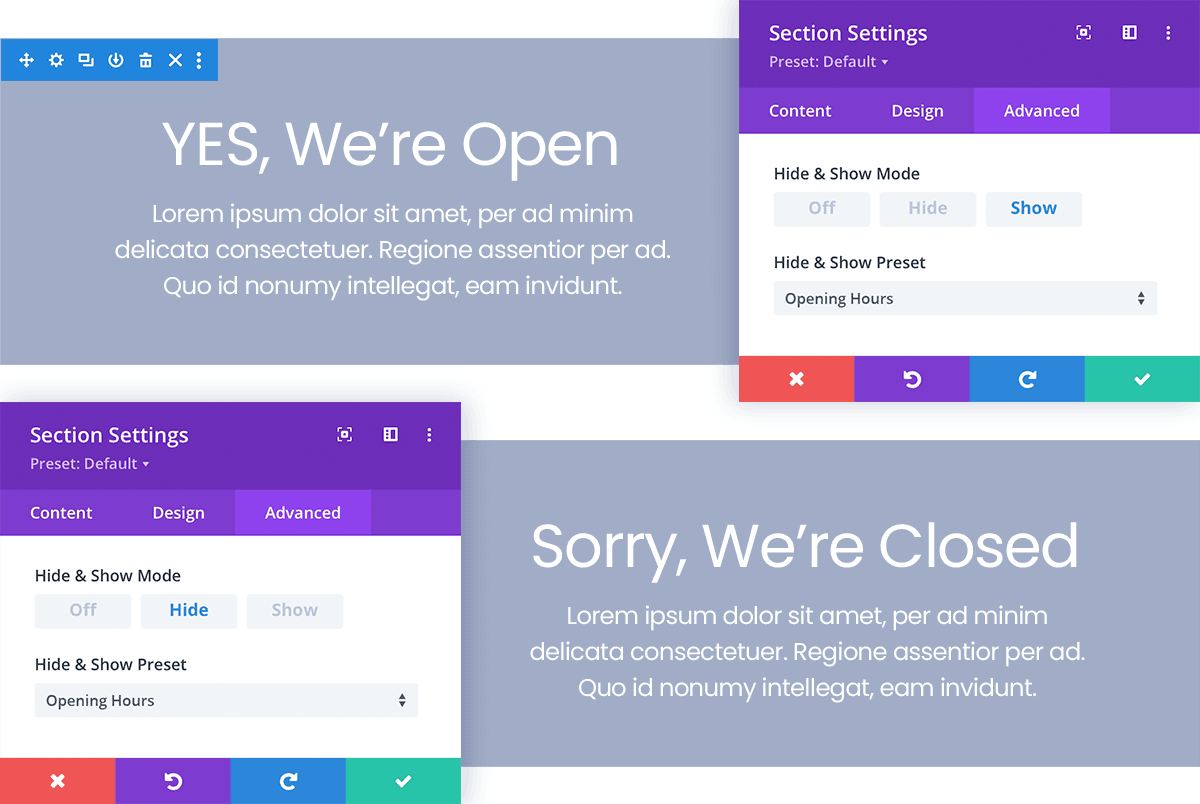
Apply your Hide & Show Preset to Divi elements throughout your website. The same Preset can be used to hide and show elements, making swapping content in-and-out a breeze.